HMIS Reporting (DHIS2)
NidanEHR includes an HMIS reporting system built to the HMIS 9.2 reporting requirements of Nepal's Ministry of Health and Population. The Government of Nepal uses the open-source DHIS2 platform to collect aggregate health data from facilities nationwide, and hospitals submit their HMIS reports monthly.
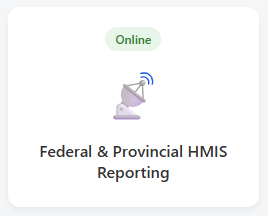
NidanEHR's clinical observation forms are aligned with the HMIS 9.2 indicators, so the required data is captured automatically as providers record patient information during routine care. The reporting module then generates aggregate reports directly from that data. Users can review the reports, download them in Microsoft Excel for verification, and submit the verified data to DHIS2 with a single click — no manual re-entry.
Workflow
Login
Reporting dashboard
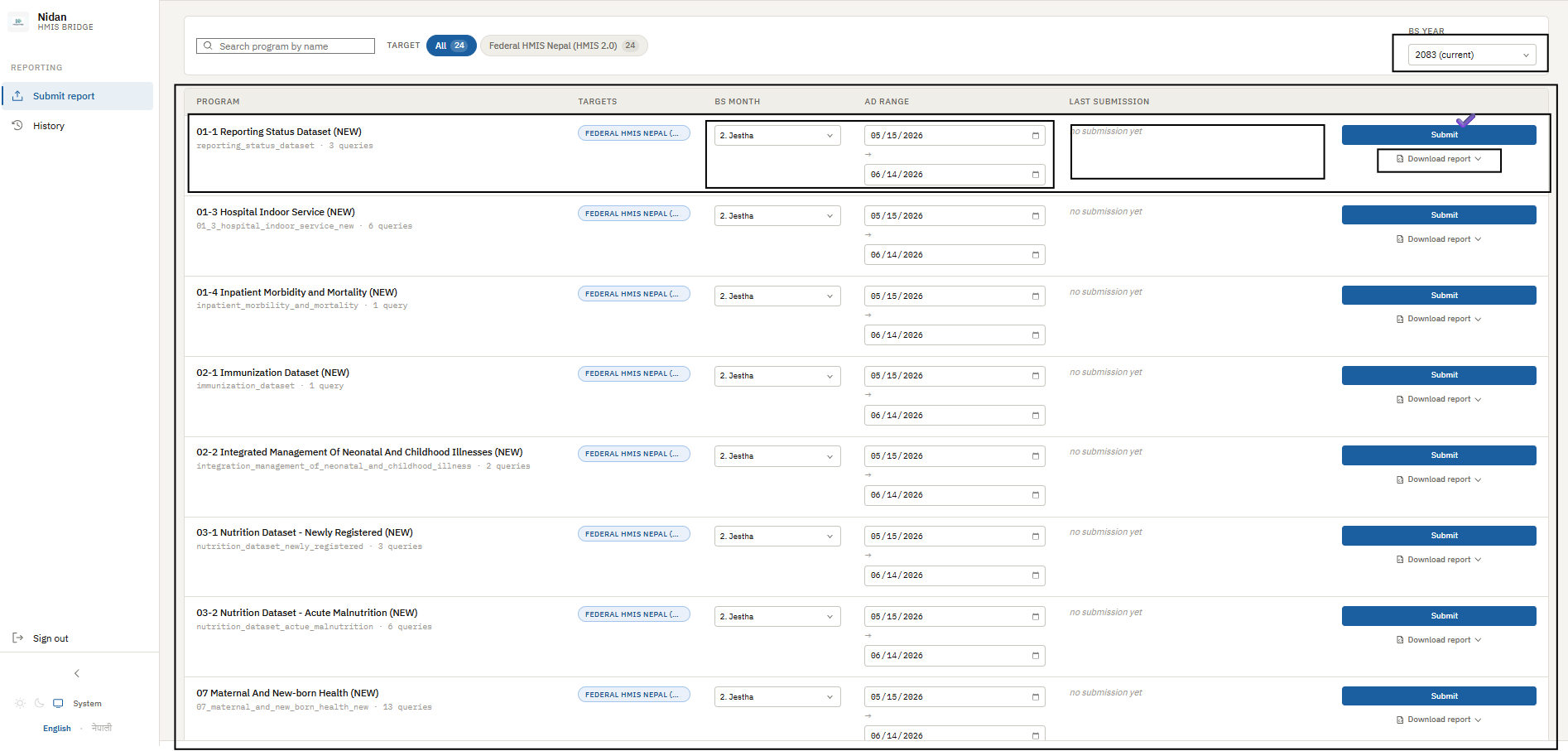
After logging in, the HMIS Reporting Dashboard lists the reporting indicators required by the Ministry of Health and Population. Before generating a report, select the reporting year and reporting month to set the period. The system then retrieves the corresponding aggregate data from the clinical modules and shows it in a list view.
From the dashboard you can:
- Select the reporting year and month.
- View indicator-wise aggregate data generated from clinical records.
- Review and verify the reported values.
- Download the report in Microsoft Excel for validation.
- Submit the verified report to DHIS2 with a single click.
Submission history
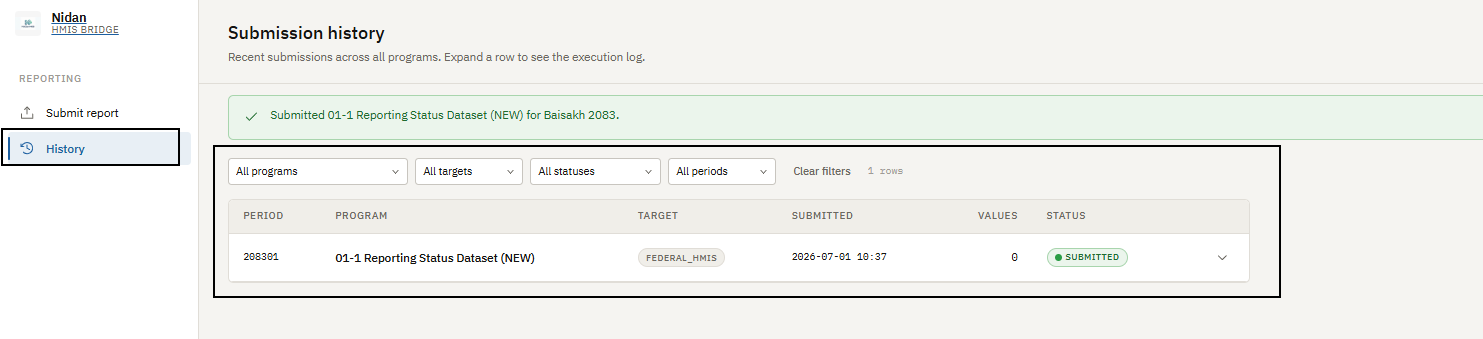
Once data is submitted from the submit report section, the submission is listed in the History section with its date and detailed status.